🔍 Get Your Free Website Audit →

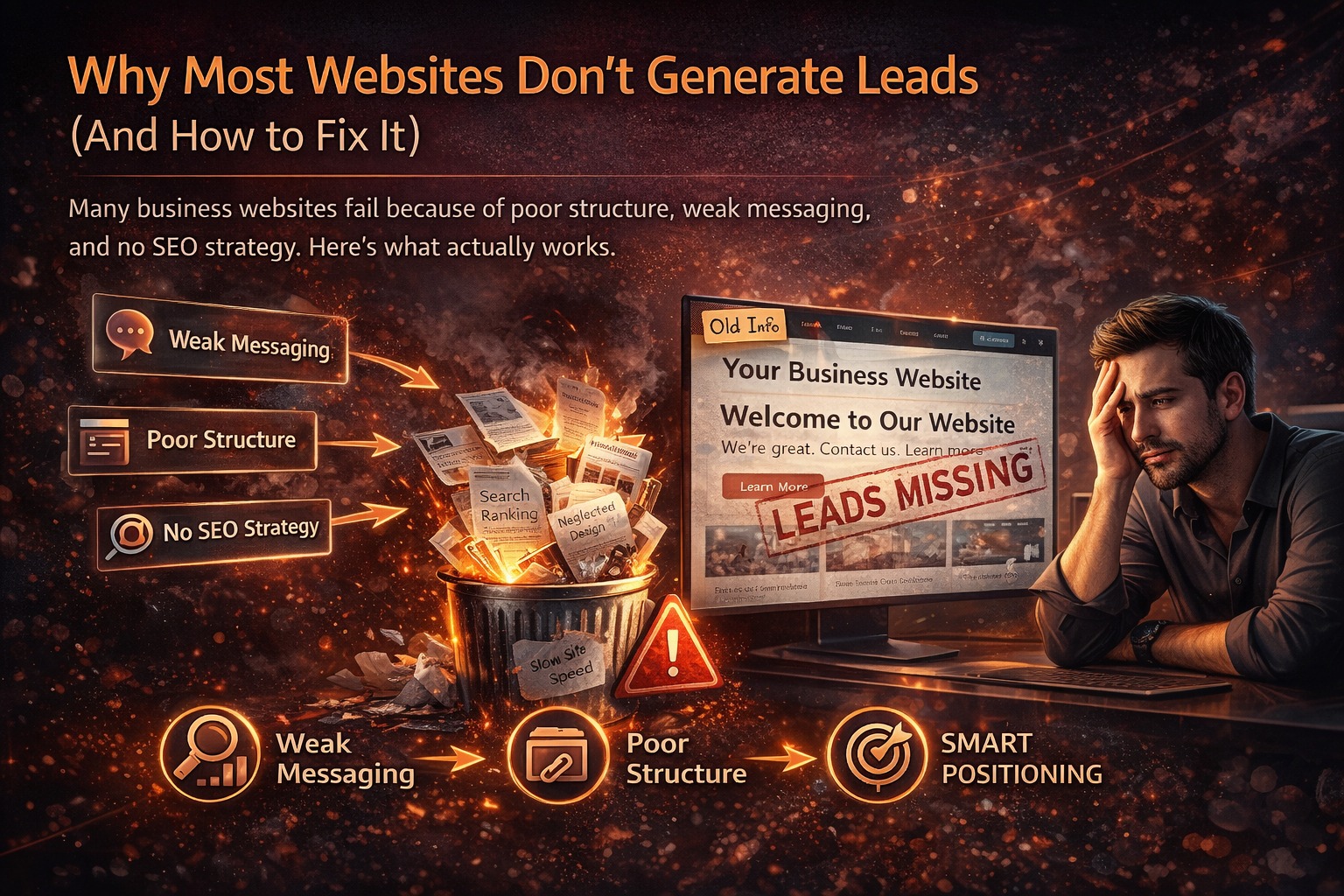
Why Most Websites Don't Generate Leads (And How to Fix It)

Many business websites fail because of poor structure, weak messaging, and no SEO strategy. Here's what actually works. Discover the 7 critical mistakes and how to fix them.
📅 Updated Mar 2026 ⏱️ 9 min read 📊 300+ Sites Analyzed
Why websites don't generate leads

Based on Analysis of 300+ Small Business Websites

📊 Data-Driven
🎯 Actionable Fixes
💰 No Monthly Fees

You built a website. You spent money, time, and energy. And now... crickets. No calls. No emails. No sales.

Sound familiar?

You're not alone. We've audited hundreds of small business websites, and 9 out of 10 have the same problems. The good news? Every problem has a fix.

In this guide, we'll walk through the 7 most common reasons small business websites don't generate leads — and exactly how to fix them. If you've been nodding along thinking "yep, that's my site," you're in the right place.

📖 The 7 Critical Mistakes (And Fixes)

Frustrated business owner with website not generating leads
53%
of mobile users leave if site takes >3s
92%
read reviews before buying
60%+
traffic is mobile
MISTAKE #1

No Clear Value Proposition

❌ The Problem:

You land on the homepage. There's a nice photo, some fancy animation, but... what does this company actually DO? Who do they serve? Why should I care?

Visitors have 3 seconds to figure out if they're in the right place. If they can't, they leave.

✅ The Fix:

Above the fold (before scrolling), you need a clear headline that answers:

  • What do you do? (I design websites)
  • Who do you do it for? (for small businesses)
  • What's the result? (that generate leads)
❌ Bad: "Web Design Services"
(vague, no benefit)
✅ Good: "Websites That Generate Leads for Chicago Small Businesses"
(clear who, what, and benefit)
MISTAKE #2

Weak or Missing Calls-to-Action

❌ The Problem:

Visitors land on your site. They read a bit. They're interested. Now what? There's no button telling them what to do next. No "Call Now," no "Book a Consultation," no "Get a Quote."

If you don't tell them what to do, they'll do nothing.

✅ The Fix:

Add prominent, clear CTAs on every page:

  • Above the fold: Primary CTA (e.g., "Get Your Free Quote")
  • Middle of page: Secondary CTA (e.g., "See Our Work")
  • Bottom of page: Final CTA (e.g., "Contact Us Today")

❌ Weak CTA

"Submit"

(boring, unclear)

✅ Strong CTA

"Get Your Free Quote →"

(action-oriented, clear benefit)

Make buttons stand out — contrasting colors, clear text, plenty of whitespace.
Mobile user frustrated with website
MISTAKE #3

Poor Mobile Experience

❌ The Problem:

Over 60% of web traffic is now mobile. If your site isn't optimized for phones, you're losing more than half your potential leads.

Pinch-to-zoom, tiny buttons, text you have to squint at — these drive people away instantly. Google also penalizes non-mobile sites in rankings.

✅ The Fix:

Your site must be responsive (automatically adjusts to any screen). Test it yourself: open your site on your phone. Can you read text without zooming? Can you tap buttons easily?

Mobile must-haves:

  • Click-to-call buttons
  • Readable text (at least 16px)
  • Buttons at least 44x44px
  • No horizontal scrolling
MISTAKE #4

Slow Loading Speed

❌ The Problem:

53% of mobile users leave a site that takes longer than 3 seconds to load. Every second of delay costs you leads.

Common culprits: huge images, too many plugins, bloated code, cheap hosting.

✅ The Fix:

  • Compress images – Use tools like TinyPNG
  • Minimize plugins – Delete unused ones
  • Use caching – Speed up repeat visits
  • Upgrade hosting – Cheap hosting = slow sites
  • Test with Google PageSpeed Insights – It tells you exactly what to fix
MISTAKE #5

No SEO Strategy

❌ The Problem:

Your website is beautiful. But nobody can find it because you haven't optimized for search engines. You're relying on people typing your exact business name — which almost nobody does.

Without SEO, you're invisible.

✅ The Fix:

  • Keyword research – What terms do customers search? "Plumber Toronto" "Best pizza Brooklyn"
  • On-page SEO – Include keywords in titles, headings, meta descriptions
  • Local SEO – Optimize Google Business Profile, get local citations
  • Content – Blog posts, service pages, location pages
SEO ranking graph
MISTAKE #6

Missing Social Proof

❌ The Problem:

You claim you're the best. But where's the proof? 92% of consumers read reviews before making a purchase. If you have no testimonials, case studies, or reviews, visitors don't trust you.

✅ The Fix:

  • Add testimonials – Real quotes from real clients. Include names and photos if possible.
  • Case studies – Show before/after results. "Client X was struggling with Y. We did Z. Result: 200% increase in sales."
  • Trust badges – Money-back guarantees, BBB, industry certifications
  • Review links – Link to your Google, Yelp, or Facebook reviews
MISTAKE #7

Confusing Navigation

❌ The Problem:

Visitors land on your site and can't find what they need. Too many menu items. Weird category names. No clear path. They get frustrated and leave.

✅ The Fix:

  • Simplify menu – 5-7 items max. Home, About, Services, Contact, etc.
  • Use clear labels – "Our Services" not "What We Do" if you want to be clear
  • Include search – For larger sites, let users search
  • Footer links – Include important pages again

💡 The Real Truth: Why This Happens

Most small business owners make these mistakes because they:

The good news? Every problem has a solution. You don't have to live with a website that doesn't generate leads.

📈 Real Results: Before & After

Case Study 1: Toronto Plumbing Company

❌ Before: Wix site. No clear CTA, not mobile-friendly, slow. 2-3 calls/week.
✅ After: Custom site with clear CTAs, mobile-optimized, fast. SEO for "plumber Toronto". 20+ calls/week.

Case Study 2: Brooklyn Restaurant

❌ Before: Old WordPress site. No social proof, confusing menu. 5 reservations/week.
✅ After: Added testimonials, simplified navigation, online booking. 30+ reservations/week.

Case Study 3: Miami Fitness Coach

❌ Before: Squarespace site. No SEO, no value proposition. 1-2 inquiries/month.
✅ After: Clear headline, SEO optimized, consultation booking. 15+ inquiries/month.

✅ Quick Website Lead Generation Checklist

Clear value proposition above the fold
Prominent call-to-action on every page
Mobile-friendly design (test on your phone)
Loads in under 3 seconds (test with PageSpeed)
Testimonials or reviews visible
Simple contact forms (name, email, message only)
Phone number easy to find (click-to-call on mobile)
SEO optimized for your main keywords
Google Business Profile claimed and optimized
Analytics set up (Google Analytics)

Score yourself: If you're missing more than 3, you're leaving leads on the table.

🚀 Ready to Fix Your Website & Start Generating Leads?

Get a free website audit · See exactly what's wrong · No obligation

Get Your Free Audit

❓ Frequently Asked Questions

Why isn't my website generating leads?
Most websites fail to generate leads because of 7 common mistakes: 1) No clear value proposition, 2) Weak or missing calls-to-action, 3) Poor mobile experience, 4) Slow loading speed, 5) No SEO strategy, 6) Missing social proof, and 7) Confusing navigation. Fix these, and your lead generation will improve dramatically.
What's the most common mistake on business websites?
The #1 mistake is having no clear call-to-action. Visitors land on your site, don't know what to do next, and leave. Every page should have a primary CTA — whether that's 'Call Now', 'Get a Quote', 'Book a Consultation', or 'Buy Now'. If you don't tell them what to do, they'll do nothing.
How important is mobile optimization for lead generation?
Extremely important. Over 60% of web traffic is now mobile. If your site isn't mobile-friendly, you're losing more than half your potential leads before they even see your content. Mobile optimization is no longer optional — it's mandatory.
Does website speed affect lead generation?
Absolutely. 53% of mobile users leave a site that takes longer than 3 seconds to load. Every second of delay costs you leads. Google also uses page speed as a ranking factor, so slow sites get less traffic AND convert worse.
Do I need SEO to get leads from my website?
Yes. Without SEO, your website is invisible. You need to optimize for keywords your customers are searching, like 'plumber in Chicago' or 'best pizza near me'. Local SEO is especially critical for businesses that serve specific areas.
How do testimonials and reviews help generate leads?
92% of consumers read reviews before making a purchase. Testimonials and reviews provide social proof that builds trust and reduces risk. Feature them prominently on your site — especially near calls-to-action. Without them, visitors are less likely to trust you.
What's a good conversion rate for a business website?
Average conversion rates vary by industry, but 2-5% is typical for small business websites. Top-performing sites can achieve 5-10% or higher. If your conversion rate is below 1%, something is wrong with your site's structure, messaging, or user experience.
How can I improve my website's lead generation?
Start with a clear value proposition above the fold. Add prominent calls-to-action on every page. Ensure your site is mobile-friendly and fast-loading. Optimize for SEO with local keywords. Add testimonials and case studies. Simplify your navigation. Each of these fixes can significantly improve your lead generation.
Should I redesign my website if it's not generating leads?
If your site has multiple of these problems, a redesign focused on conversion can 2-3x your leads. But you don't always need a full redesign — sometimes fixing the CTAs, adding social proof, and improving mobile experience is enough. We offer free audits to identify exactly what's wrong.
How do I know what's wrong with my website?
Start with analytics: where are visitors dropping off? Use heatmaps to see where they click. Check your mobile experience on your own phone. Ask friends or customers for honest feedback. Or get a free audit from us — we'll tell you exactly what's working and what's not.
Successful website generating leads

📚 More Resources

AzienBiz team

About AzienBiz

AzienBiz has helped over 300 small businesses fix their websites and start generating real leads. We don't just build pretty sites — we build conversion machines. SEO, clear CTAs, mobile optimization, social proof — all included. One-time payment, no monthly fees.
📞 +92 334 8743301 | ✉️ azienbiz@gmail.com