📈 Get More Customers →

How to Get Customers from Your Website: Proven Strategies 2026

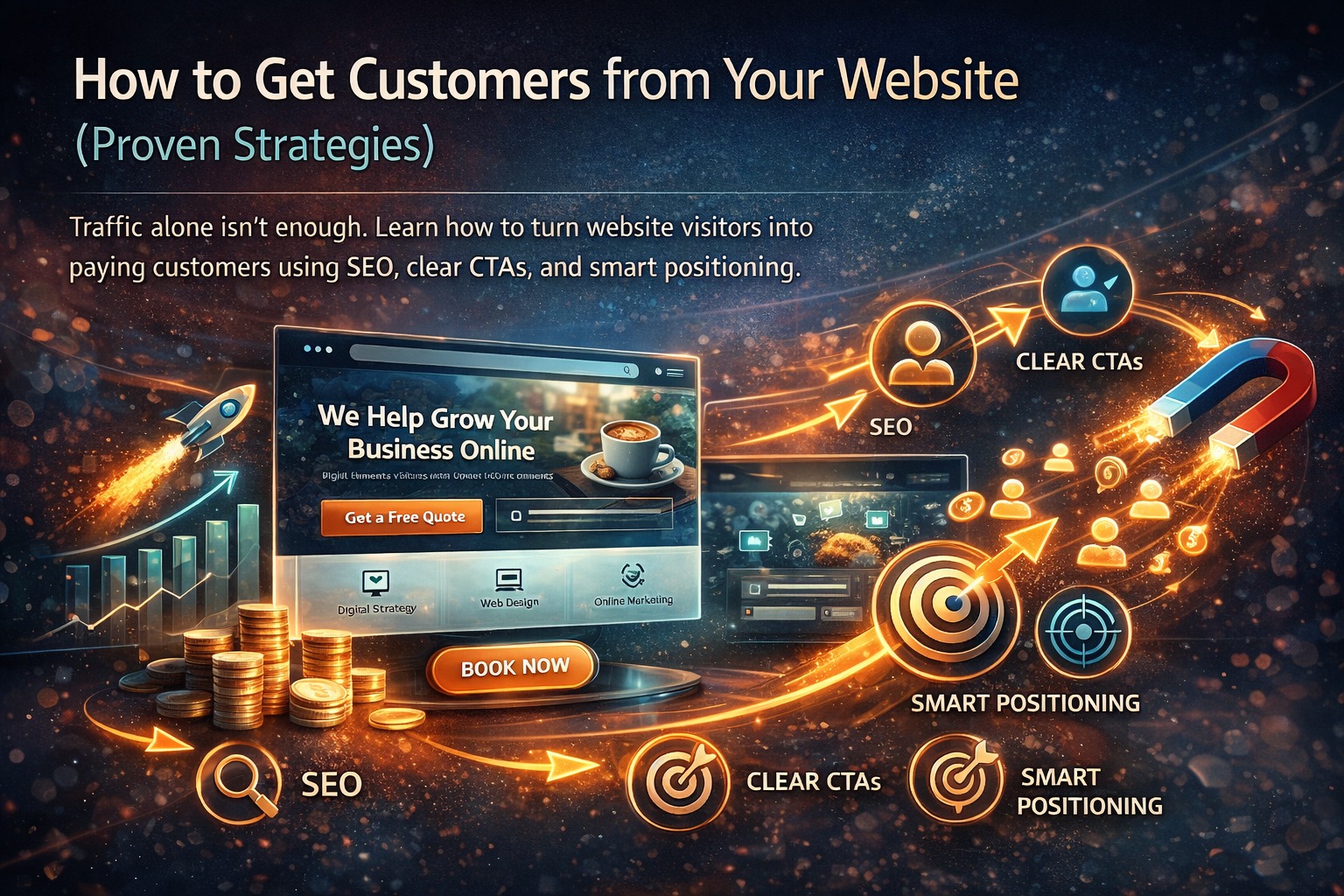
Traffic alone isn't enough. Learn how to turn website visitors into paying customers using SEO, clear CTAs, smart positioning, and proven conversion strategies.
📅 Updated Mar 2026 ⏱️ 8 min read 📈 300+ Sites Analyzed
How to get customers from website

Based on 300+ Small Business Websites

📊 Data-Driven
🎯 Proven Results
💰 No Monthly Fees

You've got a website. Maybe you're even getting traffic — 100, 500, maybe 1000 visitors a month. But where are the customers? Where are the phone calls, the emails, the sales?

If this sounds familiar, you're not alone. We've audited hundreds of small business websites, and the #1 problem isn't traffic — it's conversion. Beautiful sites that don't actually bring in business.

Here's the truth: traffic alone isn't enough. You need a system that turns visitors into customers. In this guide, we'll share proven strategies that actually work — based on real data from 300+ small business websites.

📖 What's Inside

Website conversion funnel

🔍 Strategy #1: Get the Right Traffic (SEO)

Getting customers starts before they even land on your site. You need to attract people who are actually looking for what you offer.

🎯

Target Intent, Not Just Keywords

Don't just target "plumber" — target "emergency plumber near me" (urgent intent) and "how to fix a leaky faucet" (informational intent). Match your content to what people actually want.

📍

Local SEO is Non-Negotiable

Optimize for your city and neighborhoods. "Plumber in Chicago" "Plumber in Lincoln Park" "Plumber in Wicker Park". If you serve multiple areas, create pages for each.

📝

Create Helpful Content

Answer common questions. A blog post about "How to choose a roof type" attracts homeowners planning a roof replacement. Help them first, then offer your services.

70%
of clicks go to organic results
3x
more traffic with local SEO

⚡ Strategy #2: Clear Value Proposition (Above the Fold)

Visitors decide within 3 seconds whether to stay or leave. In those 3 seconds, they need to know:

Bad vs Good Examples:

❌ Bad

"We provide web design services"

(Vague, no benefit)

✅ Good

"Websites That Generate Leads for Chicago Small Businesses"

(Clear who, what, and benefit)

Your headline should be this clear. Don't make visitors guess.
Call to action examples

🎯 Strategy #3: Strategic Calls-to-Action (CTAs)

If visitors don't know what to do next, they'll do nothing. Every page needs a clear CTA.

📞 For Service Businesses

Primary CTA: "Call Now for a Free Quote" — make it prominent, make it clickable on mobile.

Secondary CTA: "Get a Free Estimate" (form)

🛒 For Ecommerce

Primary CTA: "Add to Cart" / "Buy Now"

Secondary: "View Details" / "See Reviews"

📝 For Lead Generation

Primary: "Download Free Guide" / "Get Your Free Consultation"

Secondary: "Learn More" / "See Case Studies"

CTA Best Practices:

⭐ Strategy #4: Social Proof & Trust Signals

People trust other people more than they trust you. Prove you're legit.

92%
read reviews before buying
88%
trust online reviews as much as personal recommendations

What to add:

🧹 Strategy #5: Remove Friction

Every extra step, every confusing instruction, every slow-loading page is friction that costs you customers.

📱

Mobile Optimization

60%+ of traffic is mobile. If your site isn't perfect on phones, you're losing more than half your potential customers.

Speed

53% of mobile users leave if a site takes >3 seconds. Every second of delay costs you conversions.

📝

Simple Forms

Ask for only what you need. Name, email, phone, message. That's it. Long forms kill conversions.

🧭

Clear Navigation

Don't make visitors hunt for your contact page or services. Make it obvious.

Mobile vs desktop website optimization

⚡ Strategy #6: Speed & Mobile Optimization

This is so important it deserves its own section.

Speed Facts:

  • 53% of mobile users leave if a site takes >3 seconds to load
  • 1 second delay = 7% reduction in conversions
  • Slow sites rank lower on Google

How to Fix:

  • Compress images (use tools like TinyPNG)
  • Minimize plugins (delete unused ones)
  • Use caching
  • Upgrade hosting (cheap hosting = slow sites)
  • Test with Google PageSpeed Insights

Mobile Must-Haves:

  • Click-to-call buttons
  • Readable text without zooming
  • Buttons big enough to tap (at least 44x44px)
  • No horizontal scrolling

📥 Strategy #7: Multiple Lead Capture Methods

Not everyone is ready to buy immediately. Capture them for follow-up.

📋

Contact Forms

On every service page. Keep them simple.

💬

Live Chat

Answer questions in real-time. Can be AI-powered or human.

📧

Lead Magnets

Free guides, checklists, consultations in exchange for email.

🚪

Exit-Intent Popups

When someone's about to leave, offer something to capture them.

Pro tip: Test different approaches. What works for one business may not work for another.

📧 Strategy #8: Follow Up (This is Where Most Fail)

You've captured a lead. Now what? Most businesses drop the ball here.

35-50%
of sales go to the vendor that responds first

Follow-Up Best Practices:

🔄 The Conversion Funnel (Putting It All Together)

Top of Funnel (Awareness) → SEO + Content

Attract people searching for solutions. Blog posts, guides, social media.

Middle of Funnel (Consideration) → Value Prop + Social Proof

Show them why you're the best choice. Testimonials, case studies, clear messaging.

Bottom of Funnel (Decision) → CTAs + Lead Capture

Make it easy to take action. Clear buttons, simple forms, click-to-call.

Post-Purchase → Follow Up + Retention

Keep them coming back. Email sequences, retargeting, loyalty programs.
Website analytics dashboard

✅ Quick Website Conversion Checklist

  • 🔲 Clear headline explaining what you do (above the fold)
  • 🔲 Prominent call-to-action on every page
  • 🔲 Mobile-friendly design (test on your phone)
  • 🔲 Loads in under 3 seconds (test with PageSpeed Insights)
  • 🔲 Testimonials or reviews visible
  • 🔲 Simple contact forms (name, email, message only)
  • 🔲 Phone number easy to find (click-to-call on mobile)
  • 🔲 SEO optimized for your main keywords
  • 🔲 Analytics set up (Google Analytics)
  • 🔲 Follow-up system in place for leads

Score yourself: If you're missing more than 3, you're leaving money on the table.

🚀 Ready to Turn Visitors into Customers?

Get a free website audit · See what's working and what's not · No obligation

Get Your Free Audit

❓ Frequently Asked Questions

How do I get customers from my website?
To get customers from your website, you need to: 1) Attract the right traffic through SEO and targeted content, 2) Capture their attention with a clear value proposition, 3) Guide them with strategic calls-to-action, 4) Build trust with social proof and testimonials, 5) Remove friction from the conversion process, and 6) Follow up with leads through email or retargeting. This guide covers all these strategies in detail.
What's the most important element for converting visitors?
The most important element is a clear, compelling call-to-action (CTA). If visitors don't know what to do next, they'll do nothing. Every page should have one primary CTA that's impossible to miss — whether that's 'Call Now', 'Book a Consultation', 'Get a Quote', or 'Buy Now'.
How important is SEO for getting customers?
SEO is critical because it brings in free, targeted traffic from people actively searching for what you offer. Unlike ads, which stop working when you stop paying, SEO delivers consistent traffic over time. But traffic alone isn't enough — you need to convert that traffic once it arrives.
What's a good conversion rate for a small business website?
Average conversion rates vary by industry, but 2-5% is typical for small business websites. Top-performing sites can achieve 5-10% or higher. If your conversion rate is below 1%, something is wrong — unclear messaging, weak CTAs, or poor user experience. This guide will help you improve it.
How do I get people to call my business from my website?
Make your phone number prominent — preferably in the header of every page. Use click-to-call buttons on mobile (most important). Add a clear CTA like 'Call Now for a Free Quote'. Consider using call tracking to measure which pages generate the most calls. And make sure someone actually answers the phone!
What's the best way to capture leads on my website?
Use multiple capture methods: contact forms on key pages, popups for special offers (but don't be annoying), live chat for immediate engagement, and lead magnets (free guides, checklists) in exchange for email addresses. Test different approaches to see what works for your audience.
How important are testimonials and reviews?
Extremely important. 92% of consumers read reviews before making a purchase. Testimonials and reviews provide social proof that builds trust and reduces risk. Feature them prominently on your site — especially near calls-to-action. Video testimonials are even more powerful.
How fast should my website load?
Under 3 seconds. 53% of mobile users leave a site that takes longer than 3 seconds to load. Every second of delay costs you conversions. Use Google's PageSpeed Insights to test your site and get recommendations for improvement.
Should I use popups on my website?
Yes, but use them strategically. Exit-intent popups (when someone's about to leave) can capture leads you'd otherwise lose. Time-delayed popups (after they've been on the page for 30+ seconds) can convert engaged visitors. Just don't pop up immediately — that's annoying and increases bounce rates.
How do I know if my website is actually working?
Set up Google Analytics and Google Search Console. Track key metrics: traffic sources, bounce rate, time on site, conversion rate, and goal completions (form submissions, calls, purchases). Review these monthly and look for trends. If something's not working, test changes and measure the impact.

📚 More Resources

AzienBiz team

About AzienBiz

AzienBiz has helped over 300 small businesses turn their websites into customer-generating machines. We don't just build sites — we build conversion systems. SEO, clear CTAs, smart positioning — all included. One-time payment, no monthly fees.
📞 +92 334 8743301 | ✉️ azienbiz@gmail.com